String to camelCase in JavaScript: The Right Approach
Convert any string to camelCase in JavaScript — from snake_case, kebab-case, spaces, or mixed input. Includes TypeScript types and edge case handling.
- javascript
- camelcase
- string manipulation
- typescript
- naming conventions
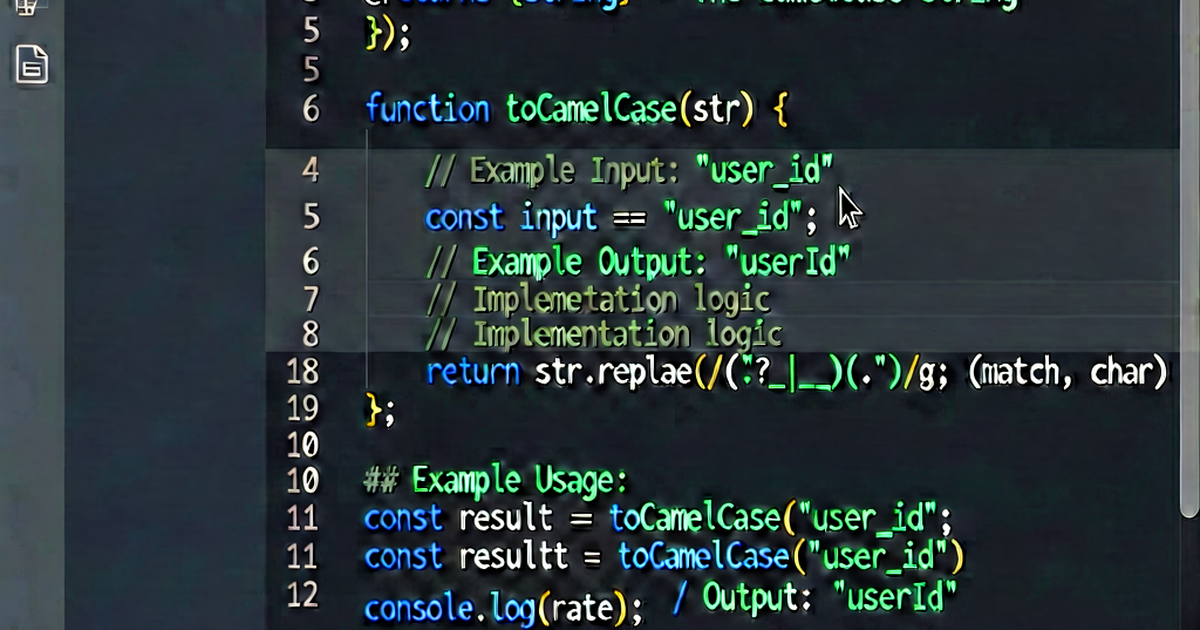

Converting strings to camelCase in JavaScript comes up in two main contexts: normalizing user input, and transforming identifiers from one naming convention to another. The right approach depends on what your input looks like.
The universal solution
A single function that handles snake_case, kebab-case, spaces, mixed input, and abbreviations:
function toCamelCase(str) {
  return str
    // Replace any separator (underscore, hyphen, space, dot) followed by a letter
    .replace(/[-_\s.]+(.)?/g, (_, char) => char ? char.toUpperCase() : '')
    // Lowercase the first character
    .replace(/^[A-Z]/, char => char.toLowerCase());
}

toCamelCase('hello_world');          // "helloWorld"
toCamelCase('hello-world');          // "helloWorld"
toCamelCase('hello world');          // "helloWorld"
toCamelCase('hello.world');          // "helloWorld"
toCamelCase('first_name_last_name'); // "firstNameLastName"
toCamelCase('get-user-by-id');       // "getUserById"
toCamelCase('HelloWorld');           // "helloWorld" — PascalCase input works too
toCamelCase('already-camel');        // "alreadyCamel"
The regex [-_\s.]+(.)? matches one or more separators optionally followed by a character. When a character is captured, it gets uppercased; when no character follows (trailing separators), the match is dropped.
From snake_case specifically
If your input is strictly snake_case, a simpler function works:
const snakeToCamel = str =>
  str.toLowerCase().replace(/_([a-z])/g, (_, char) => char.toUpperCase());

snakeToCamel('first_name');       // "firstName"
snakeToCamel('get_user_by_id');   // "getUserById"
snakeToCamel('SCREAMING_SNAKE');  // "screamingSnake"
From kebab-case specifically
Same pattern, different separator:
const kebabToCamel = str =>
  str.replace(/-([a-z])/g, (_, char) => char.toUpperCase());

kebabToCamel('get-user-by-id');   // "getUserById"
kebabToCamel('my-component');     // "myComponent"
Transforming object keys
When consuming an API that returns snake_case or kebab-case keys:
function toCamelCase(str) {
  return str
    .replace(/[-_\s.]+(.)?/g, (_, char) => char ? char.toUpperCase() : '')
    .replace(/^[A-Z]/, char => char.toLowerCase());
}

function camelizeKeys(obj) {
  if (Array.isArray(obj)) return obj.map(camelizeKeys);
  if (obj !== null && typeof obj === 'object') {
    return Object.fromEntries(
      Object.entries(obj).map(([key, value]) => [toCamelCase(key), camelizeKeys(value)])
    );
  }
  return obj;
}

// Example: Python API response with snake_case keys
const response = {
  user_id: 42,
  first_name: 'Alice',
  shipping_address: {
    street_name: 'Main St',
    postal_code: '12345'
  }
};

camelizeKeys(response);
// {
//   userId: 42,
//   firstName: 'Alice',
//   shippingAddress: {
//     streetName: 'Main St',
//     postalCode: '12345'
//   }
// }
TypeScript: typed version
function toCamelCase(str: string): string {
  return str
    .replace(/[-_\s.]+(.)?/g, (_, char: string | undefined) =>
      char ? char.toUpperCase() : ''
    )
    .replace(/^[A-Z]/, char => char.toLowerCase());
}
For deeply typed key transformation, TypeScript’s template literal types can express the conversion at compile time for known string literals, though the runtime implementation above is more practical:
type SnakeToCamel<S extends string> =
  S extends `${infer Head}_${infer Tail}`
    ? `${Head}${Capitalize<SnakeToCamel<Tail>>}`
    : S;

type Result = SnakeToCamel<'first_name'>;  // inferred as "firstName"
Using a library
change-case handles edge cases thoroughly and is actively maintained:
npm install change-caseimport { camelCase } from 'change-case';
camelCase('hello_world'); // "helloWorld"
camelCase('get-user-by-id'); // "getUserById"
camelCase('parseHTTPResponse'); // "parseHttpResponse"
camelCase('Hello World'); // "helloWorld"Note: change-case lowercases abbreviations (HTTP → Http), which is different from some implementations. Neither is wrong — pick the behavior that matches your project’s existing naming.
Lodash also provides _.camelCase:
import _ from 'lodash';

_.camelCase('hello_world');  // "helloWorld"
_.camelCase('Foo Bar');      // "fooBar"
Edge cases
toCamelCase('');                 // ""     — empty string safe
toCamelCase('already');         // "already" — single word unchanged
toCamelCase('__double_under__'); // "doubleUnder" — leading/trailing stripped
toCamelCase('hello   world');   // "helloWorld"   — multiple spaces
toCamelCase('123start');        // "123start"     — leading numbers pass through
toCamelCase('get2FACode');      // "get2FACode"   — numbers preserved mid-string
Reversing it: camelCase back to other styles
To convert from camelCase to snake_case, see camelCase to snake_case in JavaScript. The two-pass regex approach handles abbreviation runs correctly.
Quick online conversion
For batch renaming — converting a list of API fields, renaming a variable set — paste into caseconvert.io and convert between any case style in one click.

Related reading
-
camelCase to snake_case in JavaScript: Three Clean Solutions
Convert camelCase identifiers to snake_case in JavaScript using regex, reduce, or a utility library. Includes edge-case handling for abbreviations.
-
camelCase to snake_case in Python: Four Approaches
Convert camelCase strings to snake_case in Python using regex, str.join, or libraries. Includes code you can paste directly.
-
camelCase vs snake_case: Which Should You Use?
An honest comparison of camelCase and snake_case: how they work, which languages prefer which, and when to pick one over the other.